
Bored? Have some extra Meshtastic radios? Want to do some science?
Join the AlphaClub
Volunteers building and testing the next generation mesh network for Oregon

Important Update:
MeshOregon has launched to the public! We will be slowly transitioning this website from “alpha” information to a “public” state. In the meantime, this alphaclub page will remain online.
Making Meshtastic better – One node at a time
This site is not affiliated with or endorsed by the Meshtastic project
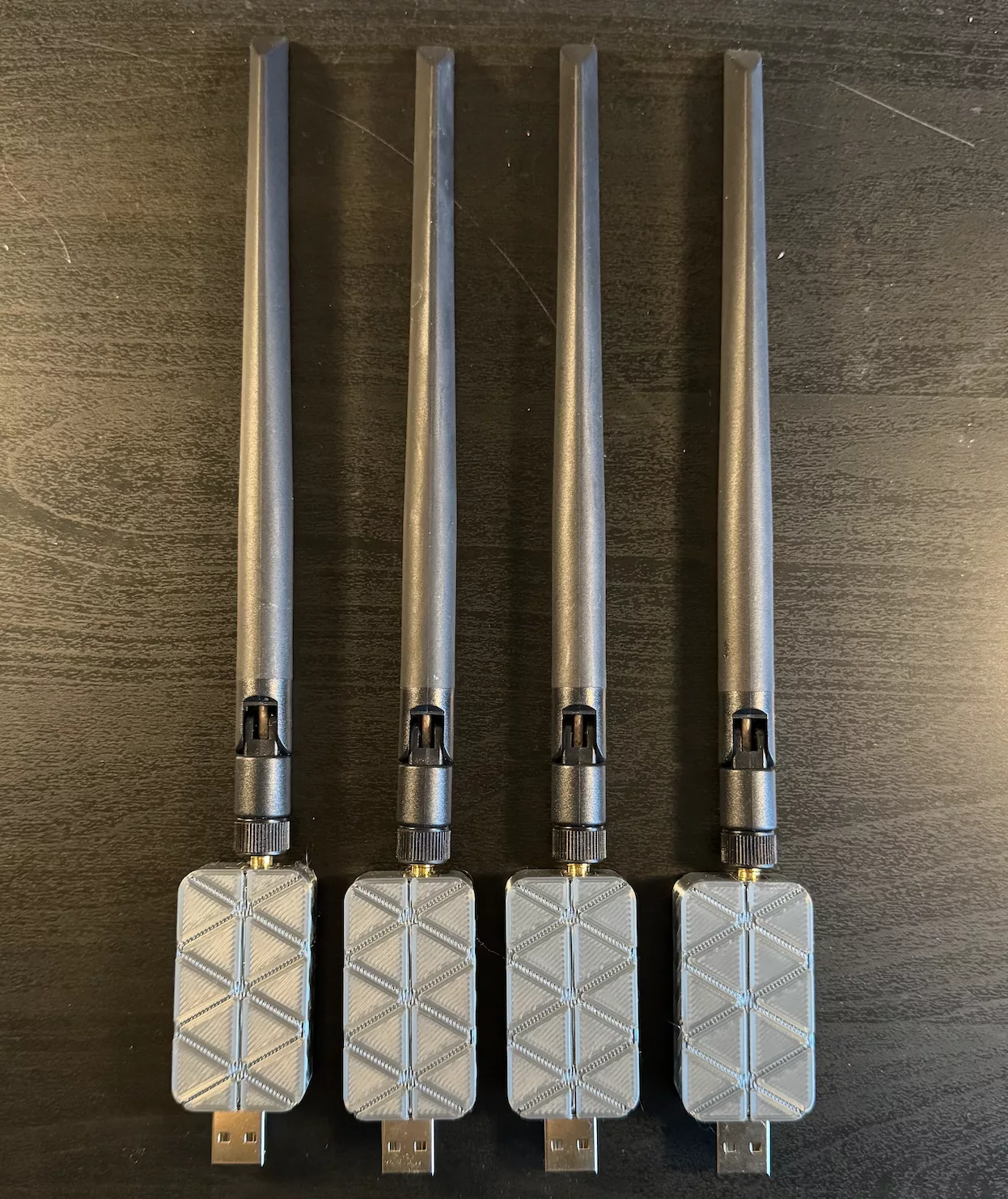
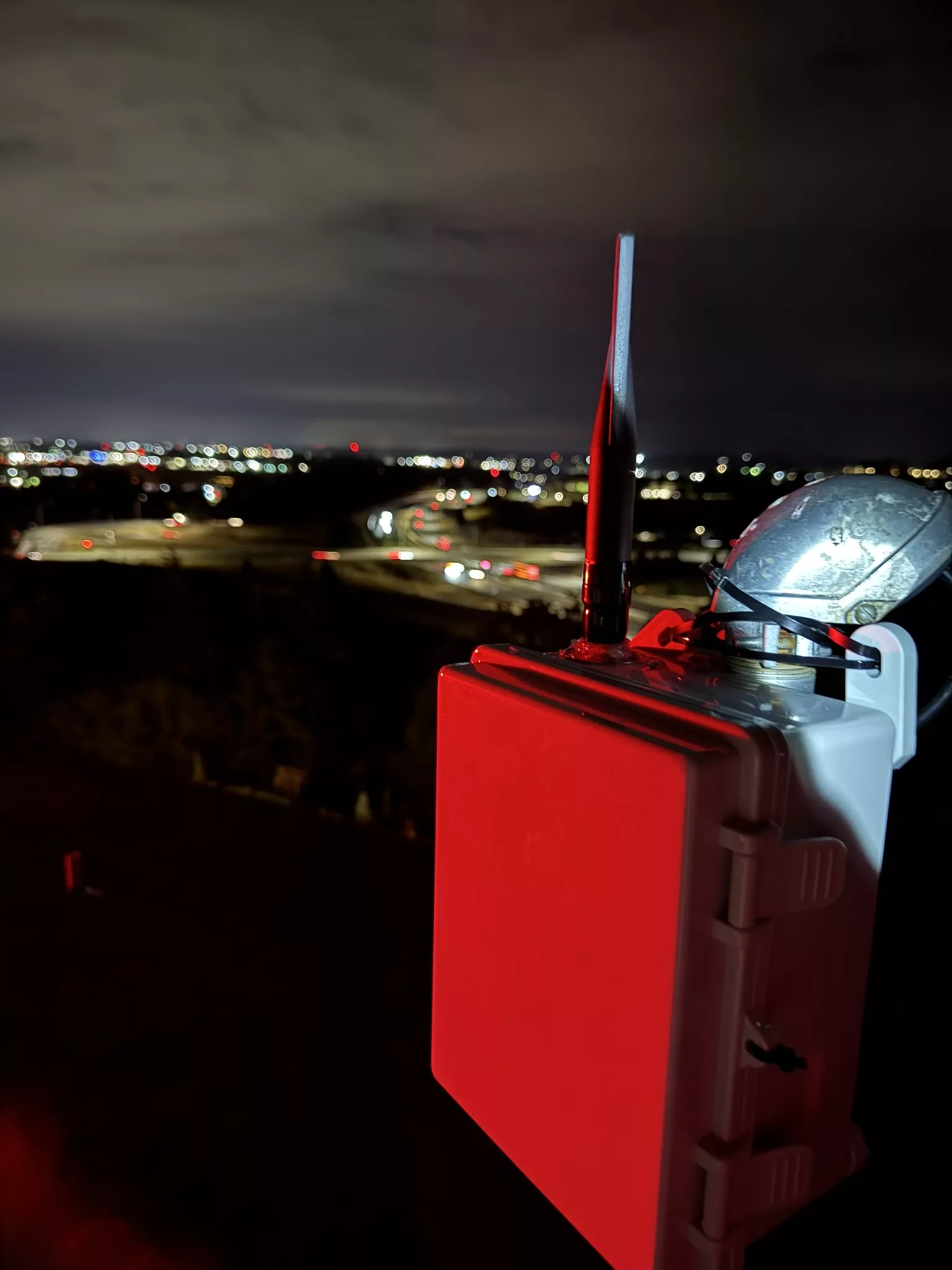
We need YOU!
Our tests work best with more people!
The AlphaClub is a group of people who are experimenting with new LoRa settings to create a better, faster, and more reliable mesh. We’re hoping to make this new network public in Late 2025 as MeshOregon’s primary Portland & North Willamette Valley channel.
Unlike the presets which ship with Meshtastic firmware, these settings are custom tailored for the best performance in the Portland and Willamette Valley area taking into account nearby interference sources, bandwidth needs, and more.
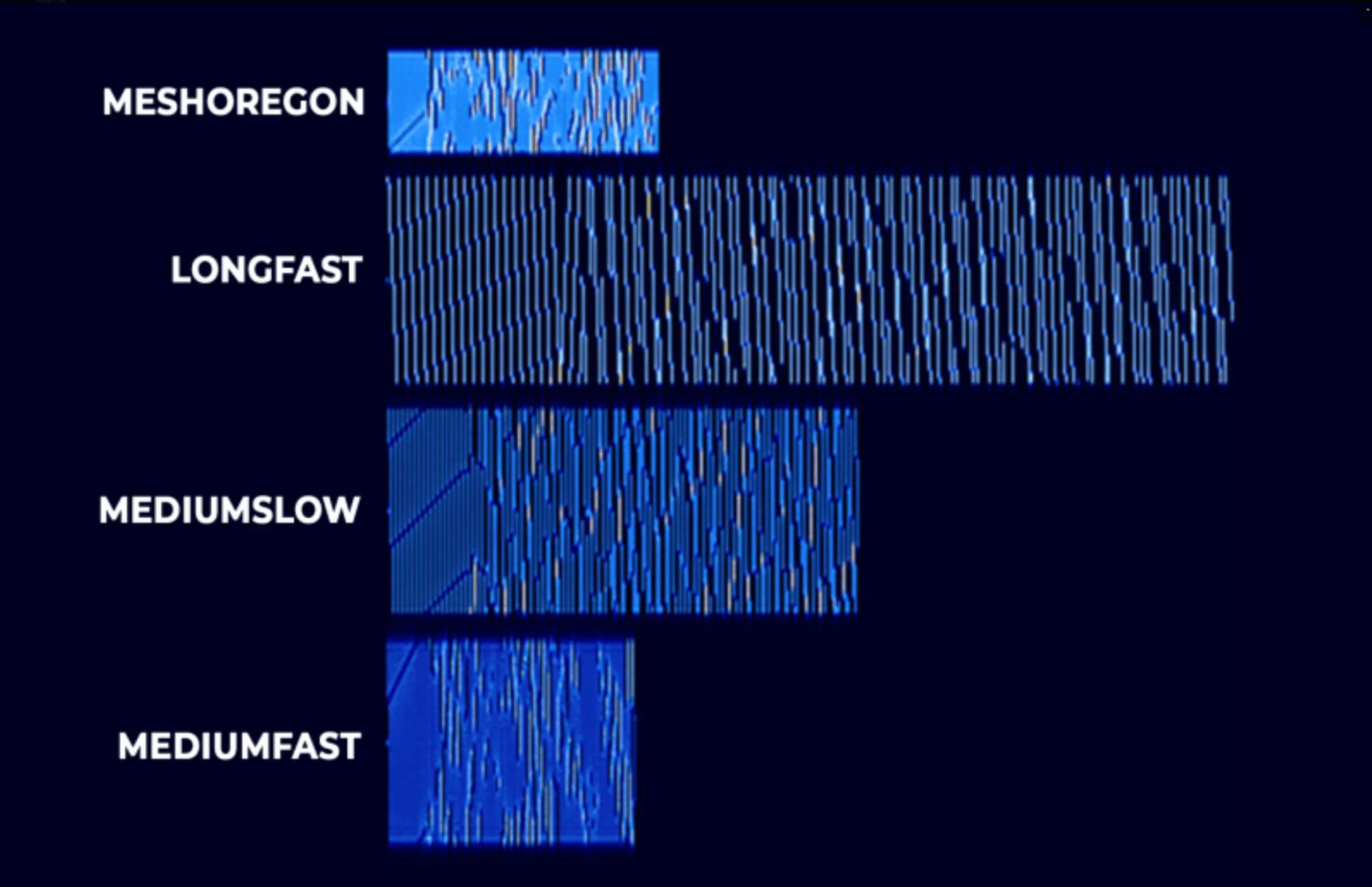
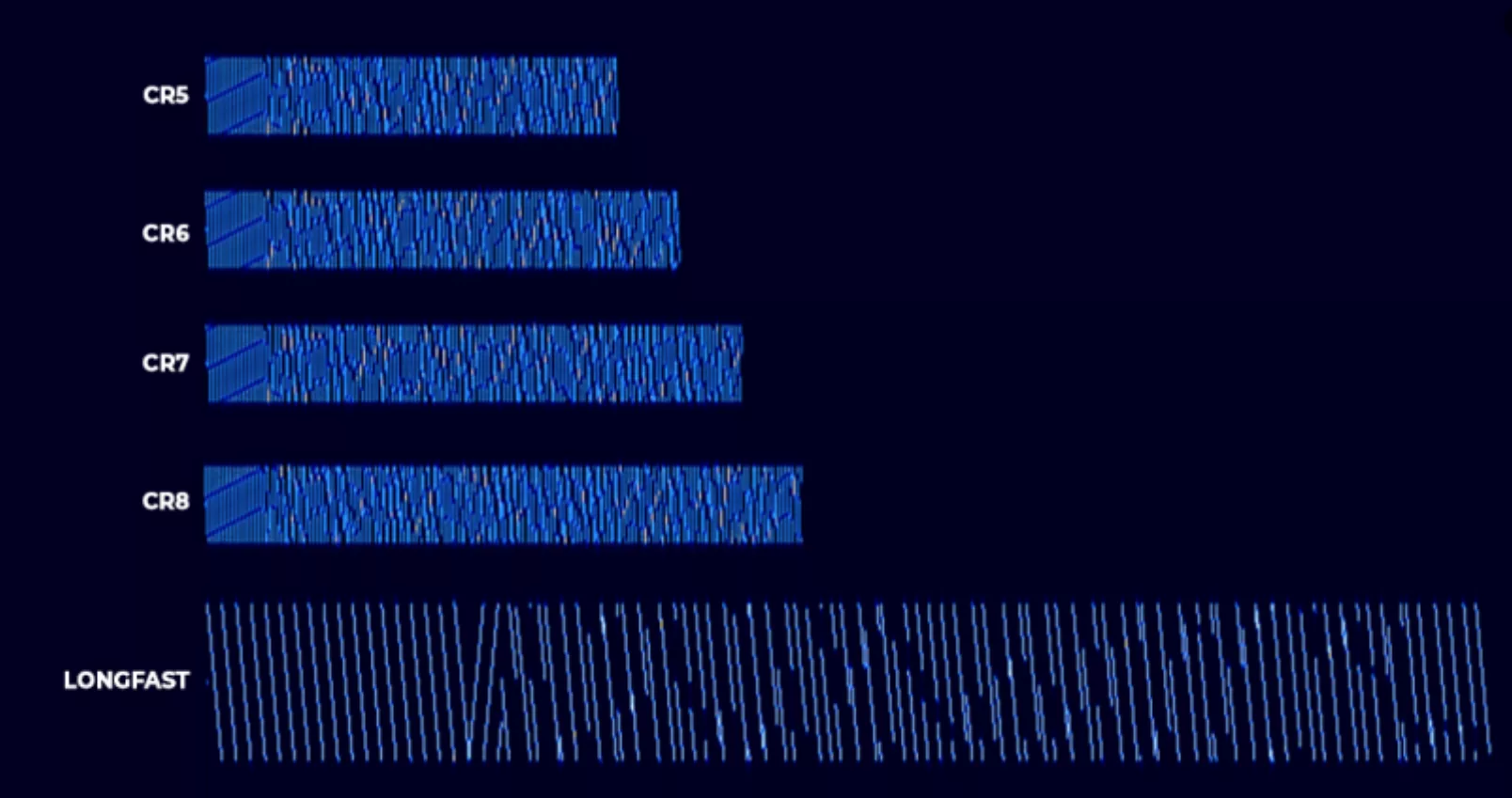
Our preset’s data transmission rate is about 3 times faster than the default LongFast channel – making it ideal for our busy mesh to grow with less RF congestion.
EVERY NODE MAKES A DIFFERENCE
Ready to get started?
Before you get connected, here’s some important info
Important Notes, PLEASE read all!
1) Frequent Updates – The test network is under heavy, active development and testing as of September 2025. These settings may change day to day or week to week. Please be sure to check back here for updates regularly and join the discord channel for updates.
It’s important that you update your node to new settings as soon as any are published in order to properly test our network.
2) Compatibility – Joining your node to our test network will DISCONNECT you from any other network you may be using, such as the default LongFast. We suggest using a second node for testing if you wish to remain connected to the main mesh in the mean time. You can always factory reset or manually reconfigure your node to go back to defaults if you change your mind, though.
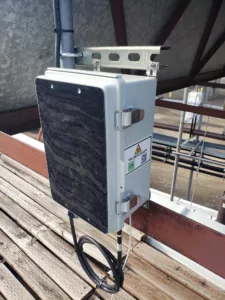
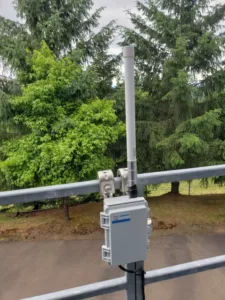
3) Test Area – This test is being conducted in the following area. If you’re in this area, or near it, and you have an outdoor, roof, attic, or tower node, you’re a good fit!
- Portland Metro, including all nearby cities such as Beaverton, Clackamas, Vancouver, Gresham, Tualitin, Tigard, Newberg, Hillsboro
- Salem Metro (including, though with varying coverage, all nearby cities such as West Salem, Keizer, Independence, Monmouth, Turner, Aumsville, Silverton, Woodburn)
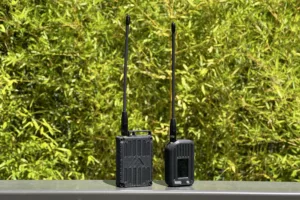
Handheld node coverage is currently very limited. It’s likely nodes which aren’t mounted outdoors at or above roof level will struggle to connect during this initial test, unless you are very close to another node.
4) YOU WILL NOT SEE AS MANY NODES – THIS IS NORMAL. You will only see other nodes that are participating in our test. Don’t quit! The test only works if everyone sets up their nodes, then leaves them up for others to discover.
5) Please keep your node in a CLIENT mode unless otherwise coordinated on the Discord. Rooftop nodes should be client or client_base, portable nodes should be either client or client_mute, generally. Please NEVER use “repeater” mode. Coordinate all routers on Discord.
6) While the mesh is still in this less dense, early state, you may find that your experience will improve if you use a node with higher output power. This is not required, but is suggested if you have one. (Always remain within FCC limits)
7) Please join the channel on the PDXMesh discord to stay in contact before setting up your node. Let us know in the discord once you set up your node, what it’s named, and what area it’s in so that we can help you test it.
Connecting your node to the test network
Before we begin, you’ll need:
- Your node, booted up and flashed with the latest Meshtastic firmware. 2.7.15 or later is recommended.
- Your phone or tablet, with the Meshtastic app installed and Bluetooth connected to your node.
For an easier experience, visit this page from your node-connected device where you have the Meshtastic app installed.
Settings version 2.0 – Updated 11/19/25
WARNING – FOLLOWING THE INSTRUCTIONS BELOW WILL DISCONNECT YOUR NODE FROM ITS PREVIOUS MESH AND CONNECT IT TO OUR TEST MESH.
Once your node is set up, please let us know in the discord channel!
Frequently Asked Questions
What is MeshOregon?
MeshOregon is the name given to a collaborative initiative between several individuals in the local Meshtastic community to help move the mesh forward into a better performing and scalable future.
What is MeshOregon AlphaClub?
MeshOregon’s AlphaClub is a group of people who represent our local Meshtastic “super users”, and those who wish to tinker and try out new settings to help us better the mesh. We meet on the #custom-modem-settings channel in the PDXMesh discord.
Why a custom preset instead of one of the default alternates? Why these settings?
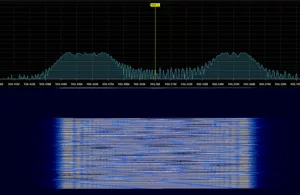
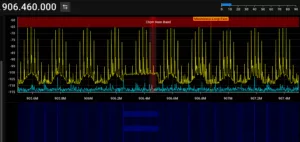
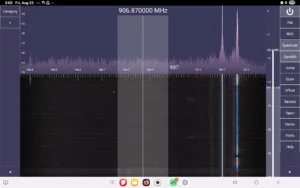
The custom preset uses a narrower bandwidth than any of the stock presets, in order to avoid interference from nearby sources based on signal surveys around the area. It also uses a custom frequency seleciton which puts it as close to the default LongFast channel as possible, without overlapping it or the interference, so that you can use the same filters you’d use for LongFast.
We’ve had good success in initial testing, with range matching what LongFast could achieve in the area – We’re seeing direct RF links from Portland to Salem!
Why should I use this preset over LongFast? Why are you doing this when LongFast already has so many nodes?
LongFast serves many meshes well – but the Portland/Willamette Valley mesh has grown beyond all expectations. With hundreds and hundreds of nodes, channel utilization has become very high – and with the addition of more and more well-placed infrastructure nodes on places like mountains and radio towers, these already over-saturated local meshes are beginning to merge together into an even more saturated super-mesh.
Additionally, many nodes on the default LongFast are poorly configured – with rapid position or other broadcasts, old firmware versions, excessive automated traceroutes, unnecessary router roles, and more.
Changing presets gives us a chance to escape all of that, and build a better mesh from the ground up – one which is able to better handle the load which is placed upon it as Meshtastic continues to grow. It also allows us to tailor our radios for maximum performance in our local area specifically.
What about the rest of Oregon? Oregon is more than just Portland...
Yes! Hello, rest of Oregon! We haven’t forgotten about you.
Right now, we are coordinating this test for Oregon’s busiest mesh, as the node density both demands it and also allows us to test more easily.
Stay tuned as we deploy additional infrastructure to expand our mesh.
I switched, but I don't see any nodes!
The MeshOregon preset is not compatible with radios running other presets – so you’ll only see nodes which are also testing our preset. Make sure you’re always using the latest version!
Our alpha mesh isn’t nearly as dense as LongFast – but we’re quickly adding strategically placed nodes to help make up the difference. We ask that even if you don’t see any nodes yet, if you’re in our test area, please leave your node on the latest version of our preset! Others will begin to show up as more people switch, and the more that show up, the more people will switch!
Changelog
Version 1.0 9/2/25 – Initial release
Version 1.1 9/6/25 – Changed default max hops from 5 to 7
Version 2.0 11/19/25 – Changed frequency override to 918.5
Version numbers will increment according to the pattern Major.Minor, where the major value is incremented for breaking changes, and the minor value is incremented for non-breaking changes which will not disrupt connectivity.
You should always be on the latest version, but you must be on the same major version as another node to communicate with it.